AI Concept Art Generator

Turn a rough idea into concept art for a character, creature, environment, prop, or cinematic scene. Describe the visual direction you have in mind, generate a first interpretation, and refine the prompt until the image fits your world.

0 characters

Include the subject, setting, mood, composition, lighting, color palette, and visual medium.

Turn a Creative Brief Into a Visual Direction

An AI concept art generator turns a written description into an image you can use to explore how an idea might look. It can help you compare directions for a game, film, animation, novel, tabletop campaign, pitch, or personal art project before investing in a finished design.

Start with the decision the image needs to support. Are you defining a character silhouette, establishing the scale of a city, testing the mood of a key scene, or exploring the materials of a prop? A focused brief gives the generator a clearer visual problem to solve.

XPT helps you move from an initial premise to a more concrete image direction. Treat each result as a draft: keep what works, name what does not, and revise the prompt with specific visual changes.

How to Generate Concept Art With XPT

  1. Describe the core idea.

    Name the subject, setting, action, and details that must appear in the image.

  2. Direct the look.

    Add the mood, camera angle, composition, lighting, palette, level of detail, and visual medium.

  3. Generate, compare, and refine.

    Review the result, identify the most important visual change, and revise the prompt until the direction becomes useful.

Write Prompts Like a Concept Art Brief

A useful concept art prompt does more than name a subject. It establishes hierarchy: what viewers should notice first, where the scene takes place, and what emotion the image should carry.

Start With the Focal Subject

Replace broad nouns with design decisions. Instead of “a space knight,” try “a weary lunar guard in layered ceramic armor, carrying a cracked signal lance.” Strong nouns and verbs usually guide the image better than strings of quality adjectives.

Establish the Environment

Place the subject somewhere specific. Architecture, terrain, weather, history, and signs of use make a concept feel like part of a larger world.

Control the Composition

Choose a close-up portrait, full-body design, orthographic sheet, low-angle hero shot, overhead layout, wide establishing shot, or an asymmetrical composition with negative space. State what belongs in the foreground, middle ground, and background when spatial clarity matters.

Shape the Light and Color

Name the primary light source, contrast, atmosphere, and a restrained palette. “Cold skylight with a warm furnace glow” communicates more than “dramatic lighting.”

Describe the Medium, Not a Living Artist

Use visual language such as painterly digital concept art, graphite exploration sketch, cinematic matte painting, cel-shaded animation design, retro-futurist poster, or watercolor environment study. Describe the qualities you want instead of requesting the style of a living artist.

Copy-and-Adapt Concept Art Prompt

[Shot type] of [main subject] [action] in [specific setting]. The design features [three defining details]. [Foreground element], [middle-ground action], and [background landmark] create a clear sense of depth. The mood is [mood], lit by [light source] with [color palette]. [Visual medium], [composition], [level of detail]. Emphasize [most important feature]. Avoid readable text, logos, watermarks, duplicate subjects, and unrelated objects.

Character example

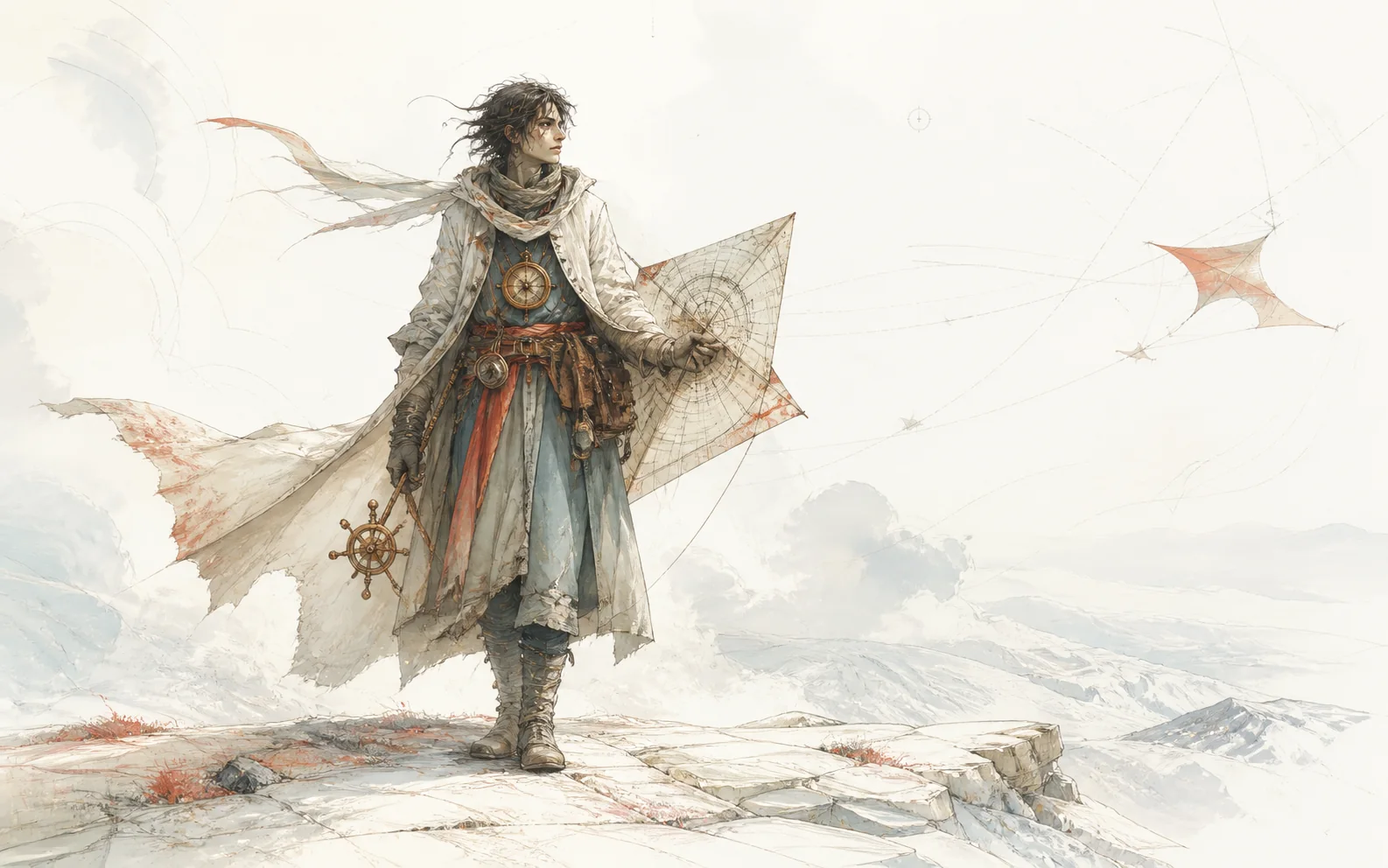
Full-body character concept of an exiled storm cartographer standing on a wind-cut plateau, layered weatherproof robes, copper instruments, and a folding kite-map. Alert but exhausted expression, strong triangular silhouette, slate blue and oxidized copper palette, graphite and painterly digital concept art, neutral background with subtle scale notes. Emphasize the navigation tools and practical construction of the clothing.

Environment example

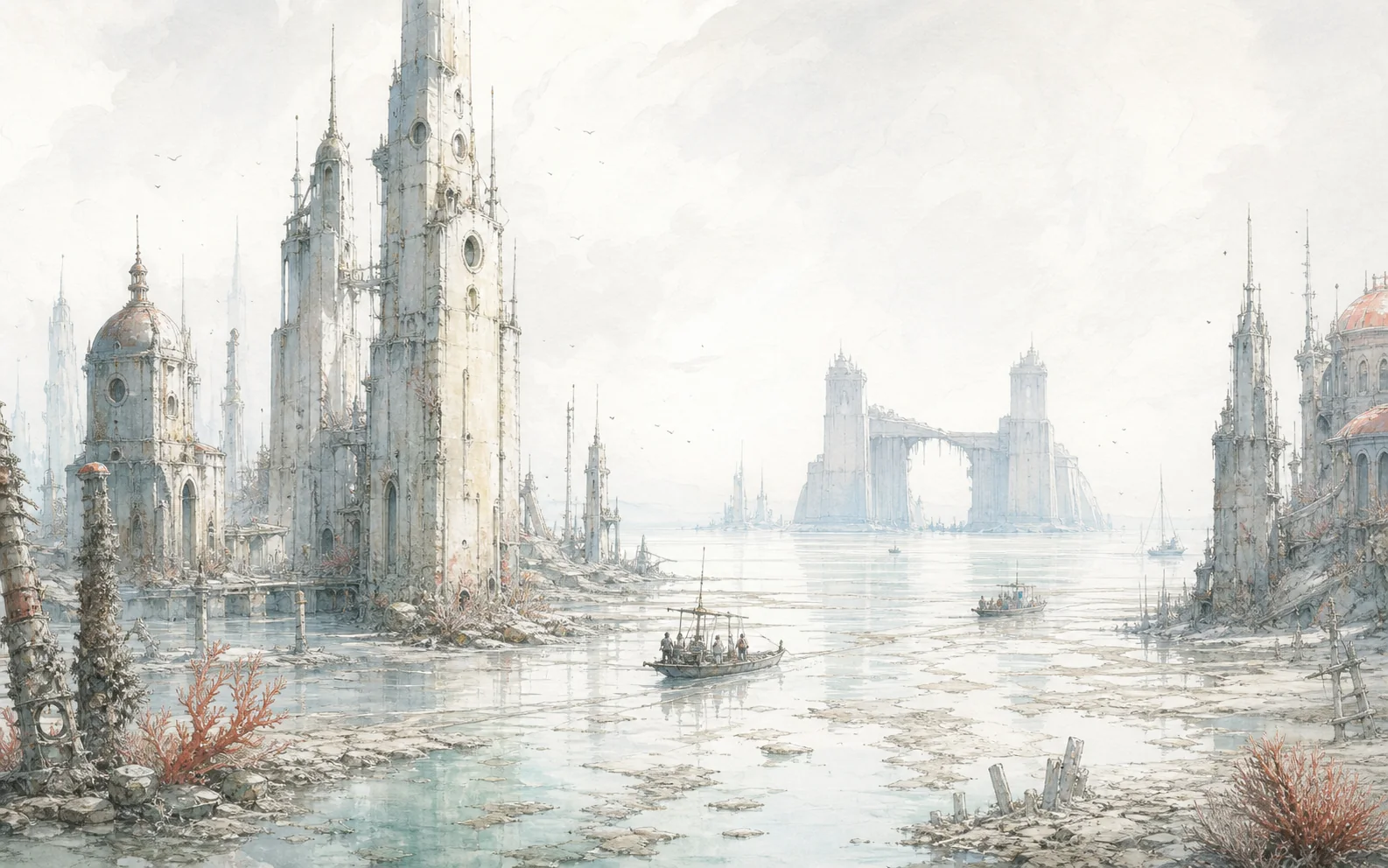
Wide establishing shot of an abandoned ocean city exposed at low tide, narrow towers covered in salt, small salvage boats moving through reflective streets, a broken tidal gate on the horizon. Quiet and uncanny mood, pale morning fog, silver-blue palette with rust accents, cinematic environment concept art, deep atmospheric perspective. Emphasize monumental scale and signs of former daily life.

Creature example

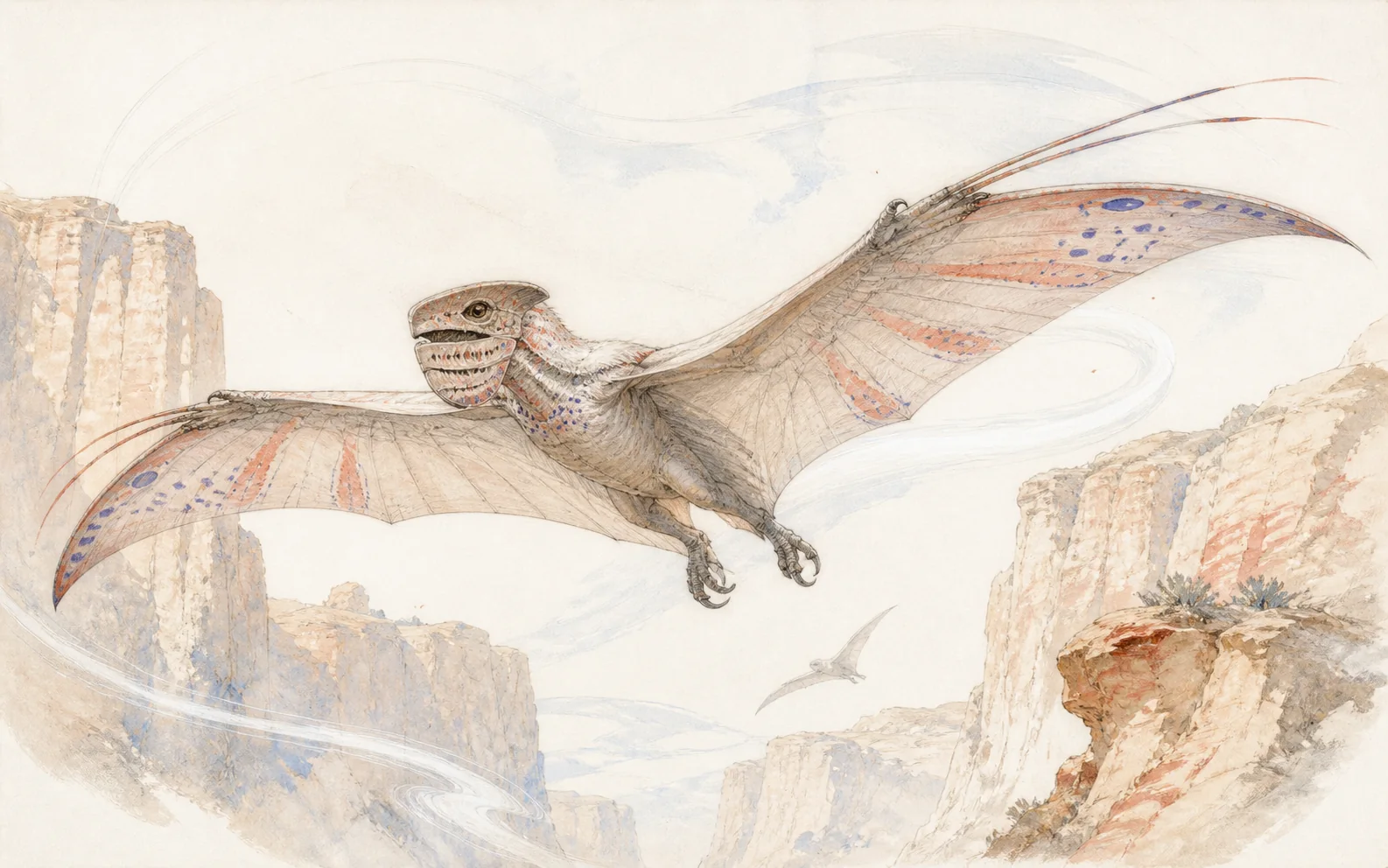
Creature design sheet for a nocturnal canyon glider adapted to violent desert winds, broad membrane wings, hooked feet, sand-filtering facial plates, and bioluminescent markings used for flock signals. Three poses and one head detail, muted sandstone and violet palette, natural-history illustration mixed with production concept art. Emphasize believable anatomy and movement.

Concept Art for Different Creative Projects

Games and Interactive Worlds

Explore playable environments, factions, creatures, props, key moments, and visual themes before a team commits to production. Use selected images to discuss direction, not as a substitute for technical asset specifications.

Film, Animation, and Storyboards

Test locations, costumes, lighting, atmosphere, and key frames. A strong concept image can help communicate the emotional purpose of a scene before detailed storyboarding or production design begins.

Books, Comics, and Tabletop Campaigns

Visualize settings, characters, artifacts, covers, and pivotal scenes. Pair each image with a short written brief so later revisions remain tied to the story rather than drifting toward surface detail.

Product and Campaign Ideation

Explore speculative objects, themed installations, launch visuals, or campaign worlds. Keep feasibility, brand rules, and legal review separate from the early visual exploration stage.

Refine the Result Without Losing the Idea

When a result is close, avoid rewriting the entire prompt. Preserve the successful elements and change one or two variables at a time.

  • If the image feels generic, add a specific function, history, constraint, or cultural detail.
  • If the focal point is weak, simplify the background and clarify the composition or lighting hierarchy.
  • If the scale is unclear, add people, doors, vehicles, vegetation, or familiar objects as reference points.
  • If the mood is wrong, revise the weather, palette, contrast, and light source instead of adding more subjects.
  • If details conflict, shorten the prompt and rank the features that matter most.
  • If a character changes between attempts, reuse a compact description of stable traits and review every variation manually.

AI-generated images may contain distorted anatomy, inconsistent objects, inaccurate symbols, unreadable text, or unintended similarities. Inspect the selected image carefully, retouch it when necessary, and verify current terms, rights, and project requirements before publishing or using it commercially.

Frequently Asked Questions

What is an AI concept art generator?

An AI concept art generator is a text-to-image tool for exploring the visual direction of characters, creatures, environments, props, and scenes. You describe the idea and its art direction, then generate and refine images as early visual drafts.

Do I need drawing skills to create concept art?

No drawing experience is required to write a prompt and explore an idea. Familiarity with composition, light, color, shape, and visual storytelling can help you direct and evaluate the results more effectively.

What should I include in a concept art prompt?

Include the focal subject, action, setting, mood, composition, camera angle, lighting, color palette, visual medium, and the few details that must remain visible. Prioritize clear decisions over a long list of decorative adjectives.

Can I create characters, creatures, and environments?

The page is designed for concept prompts covering characters, creatures, environments, props, vehicles, and narrative scenes. The live generation interface should be checked before publication to ensure every advertised input and output matches the implemented tool.

How can I get more consistent results?

Reuse the same concise description for stable traits, palette, materials, proportions, and signature objects. Change one variable at a time and keep a record of prompts that produced useful results. Do not promise exact continuity unless the live tool provides and verifies dedicated reference or consistency controls.

Can I use AI-generated concept art commercially?

Commercial rights can depend on the model, platform terms, source material, jurisdiction, and intended use. Review XPT's current terms and your project's requirements before publication. Generated images should not be assumed to be exclusive, protected, or clear of third-party rights.

Why are hands, text, or small objects sometimes incorrect?

Image generators can struggle with anatomy, repeated objects, precise spatial relationships, symbols, and readable lettering. Simplify crowded instructions, isolate the focal subject, generate alternatives, and correct important details during human review.

Build the Story Behind the Image

Concept art becomes more useful when the world around it has motives, conflicts, and consequences. Continue developing the idea with related XPT tools.

AI Story Generator

Turn a character, place, or striking image into a short story with momentum, atmosphere, and an ending.

AI Plot Generator

Build the chain of choices and consequences that leads to the moment shown in your concept art.

AI Fantasy Art Generator

Push a visual idea deeper into magical characters, mythical creatures, and impossible worlds.

Give the Idea a Form Others Can See

Begin with one clear subject, one specific setting, and one deliberate mood. Generate a direction, critique it in visual terms, and keep refining until the image communicates the world you imagined.