Fewer Arbitrary Prompt Roadblocks
Explore legitimate adult and boundary-pushing concepts without constantly rewriting a harmless idea to satisfy overly broad filters. XPT is built for users who want more direct creative control.
Create the image you actually have in mind, not the watered-down version. Describe a scene, character, mood, or visual experiment, and XPT turns your prompt into original AI art with fewer creative roadblocks.
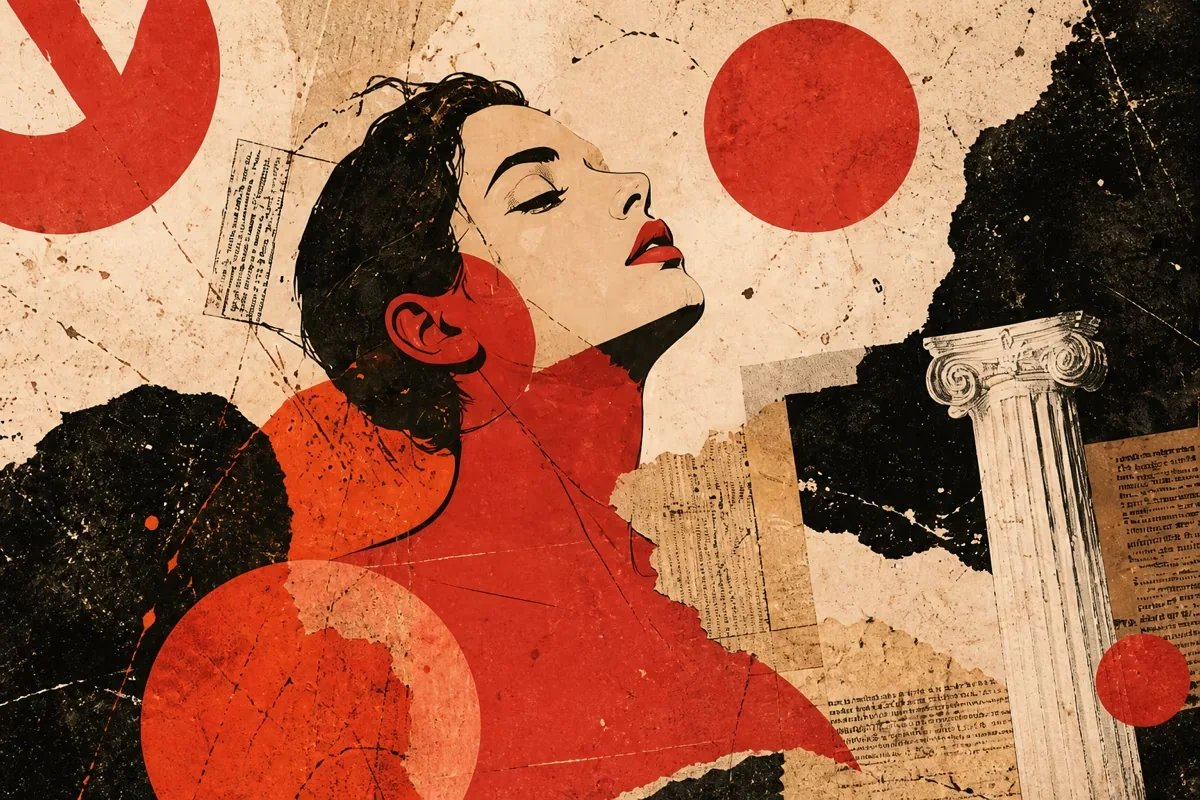
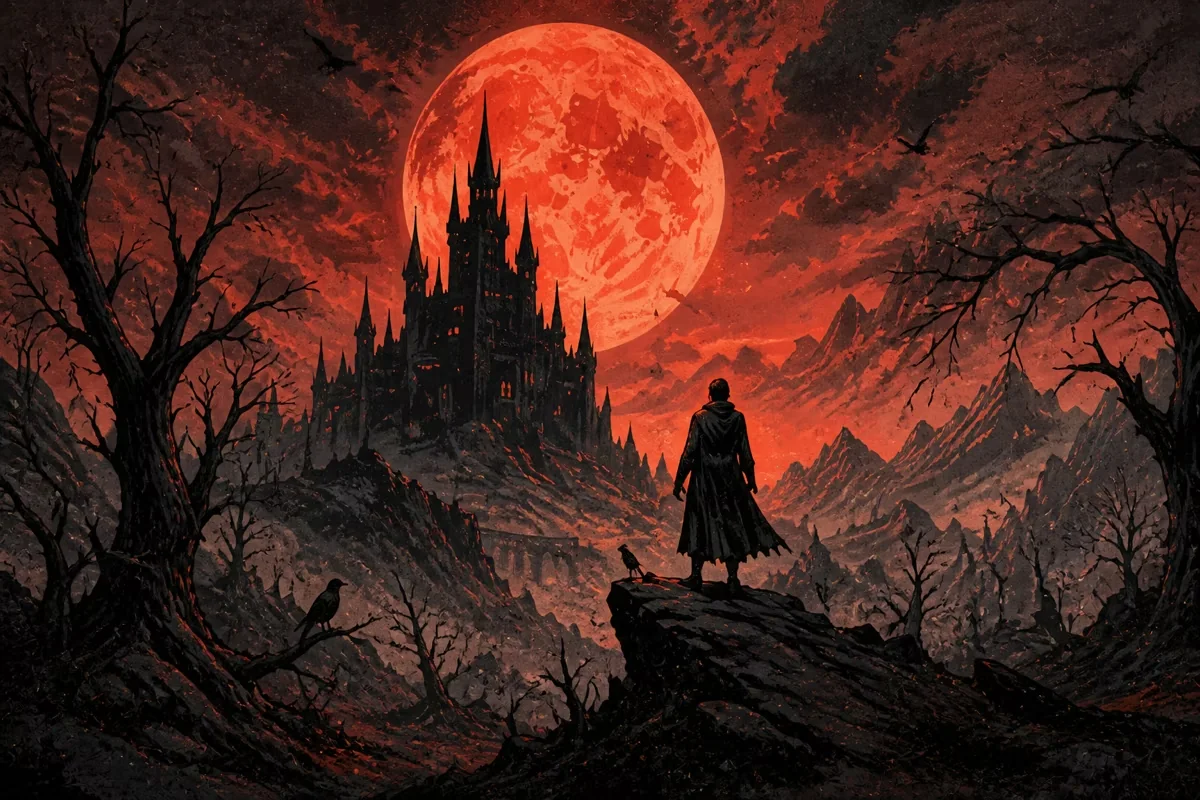
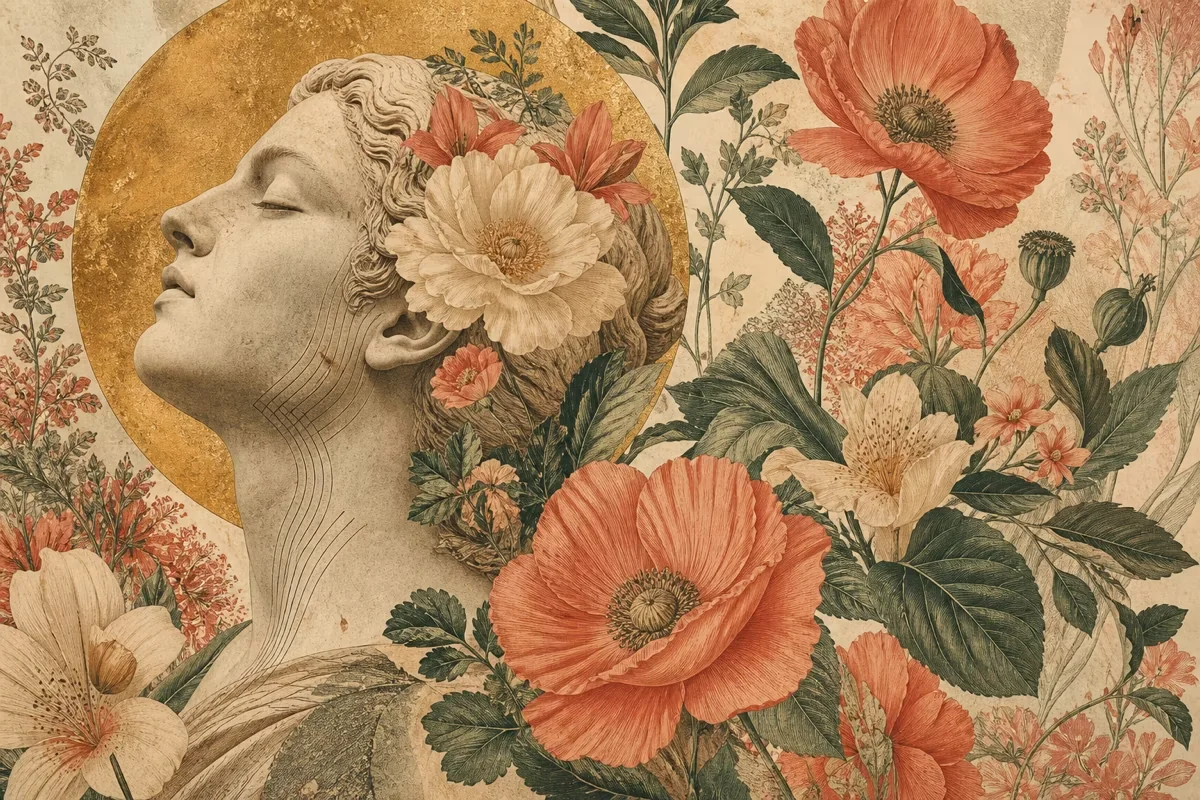
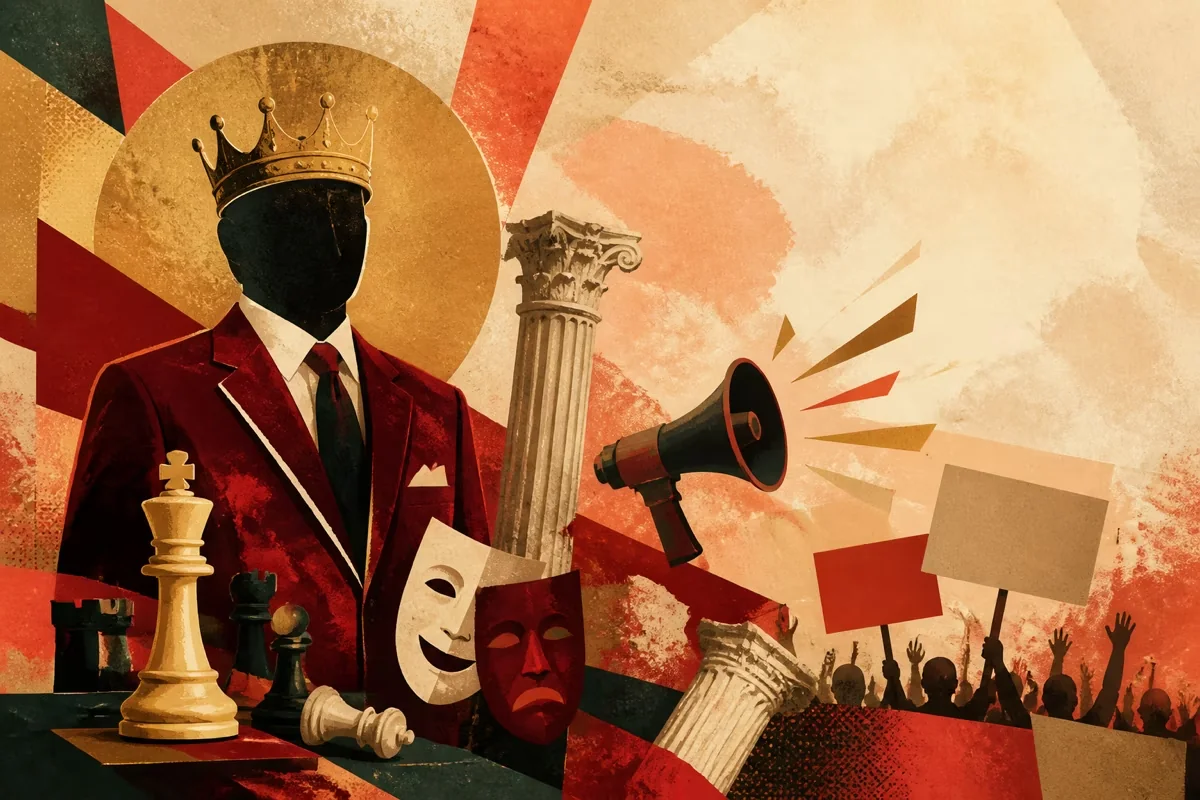
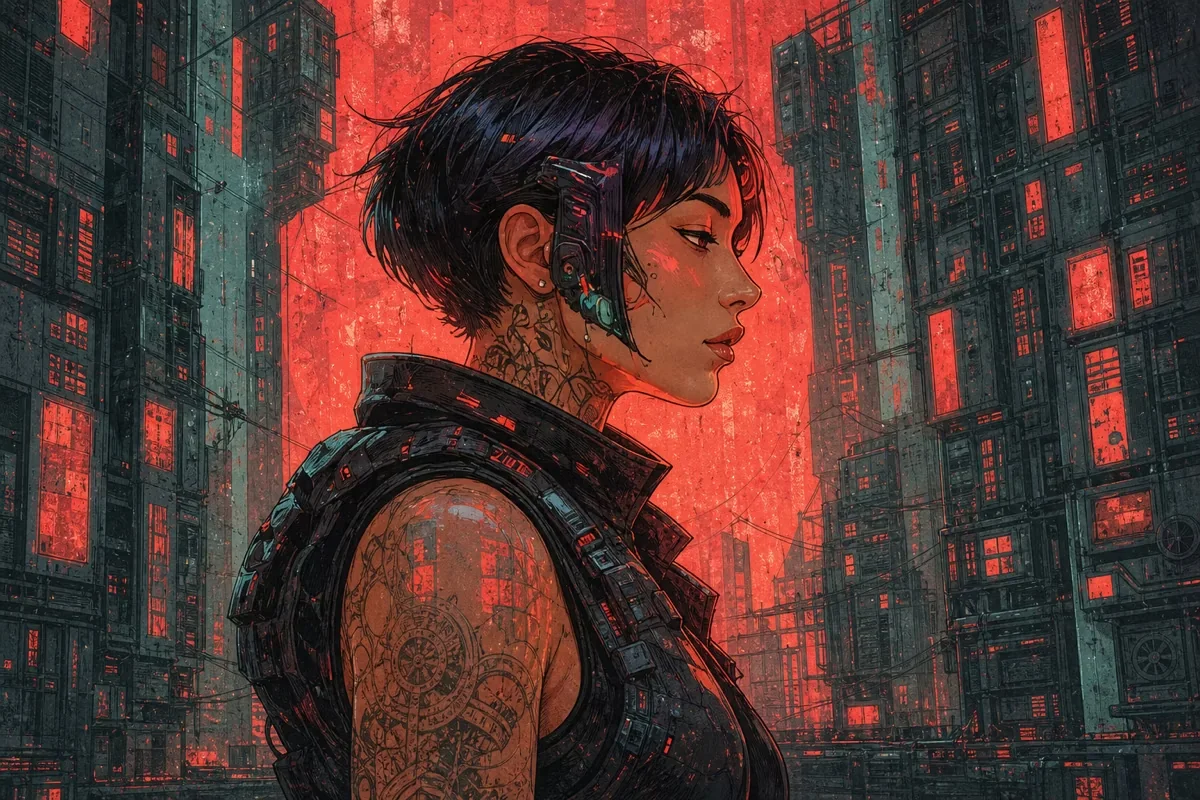
An uncensored AI image generator is a text-to-image tool designed to give adult creators more room to explore lawful ideas that conventional platforms may reject or soften. That can include provocative art, mature fictional themes, horror, satire, unconventional character design, or experimental visual storytelling.
XPT keeps the workflow direct: write what you want to see, generate a result, then refine the prompt until the composition feels right. You stay in charge of the subject, atmosphere, visual language, and level of detail.
Explore legitimate adult and boundary-pushing concepts without constantly rewriting a harmless idea to satisfy overly broad filters. XPT is built for users who want more direct creative control.
Move from an idea to a visual draft without configuring a local model or building a technical workflow. Start with ordinary language and add detail when you want tighter control.
Use visual language in your prompt to steer the result toward photorealism, anime, fantasy illustration, cinematic concept art, surrealism, editorial photography, or another aesthetic.
XPT Img 1.0 runs on XPT's own infrastructure. For the strongest privacy setting available in XPT, use Incognito mode: its content is not retained after the session. Personal mode saves history so you can return to it later.
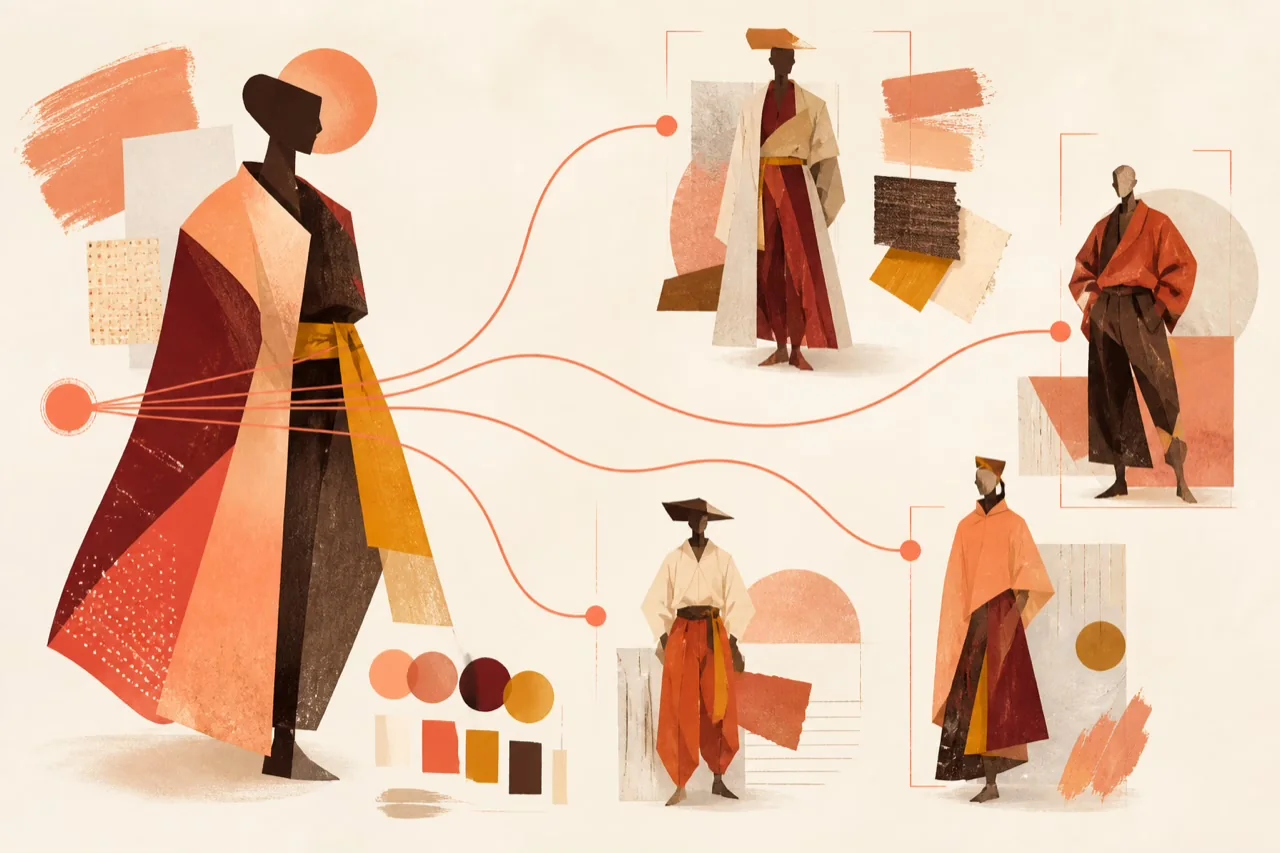
One idea can branch into many visual directions.
Write a prompt that names the subject, action, environment, style, lighting, framing, and mood. Concrete visual details usually give the model a clearer direction than a list of vague adjectives.
Example:“A lone cyberpunk singer backstage after midnight, rain on the window, red neon reflections, intimate 35mm film portrait, shallow depth of field.”
Submit the prompt and let XPT translate the description into an image. Treat the first result as a visual draft: check the composition, expression, atmosphere, and details against your original idea.
Change one or two variables at a time. Specify a different camera angle, stronger lighting contrast, a cleaner background, a new art medium, or a more precise mood, then generate again.
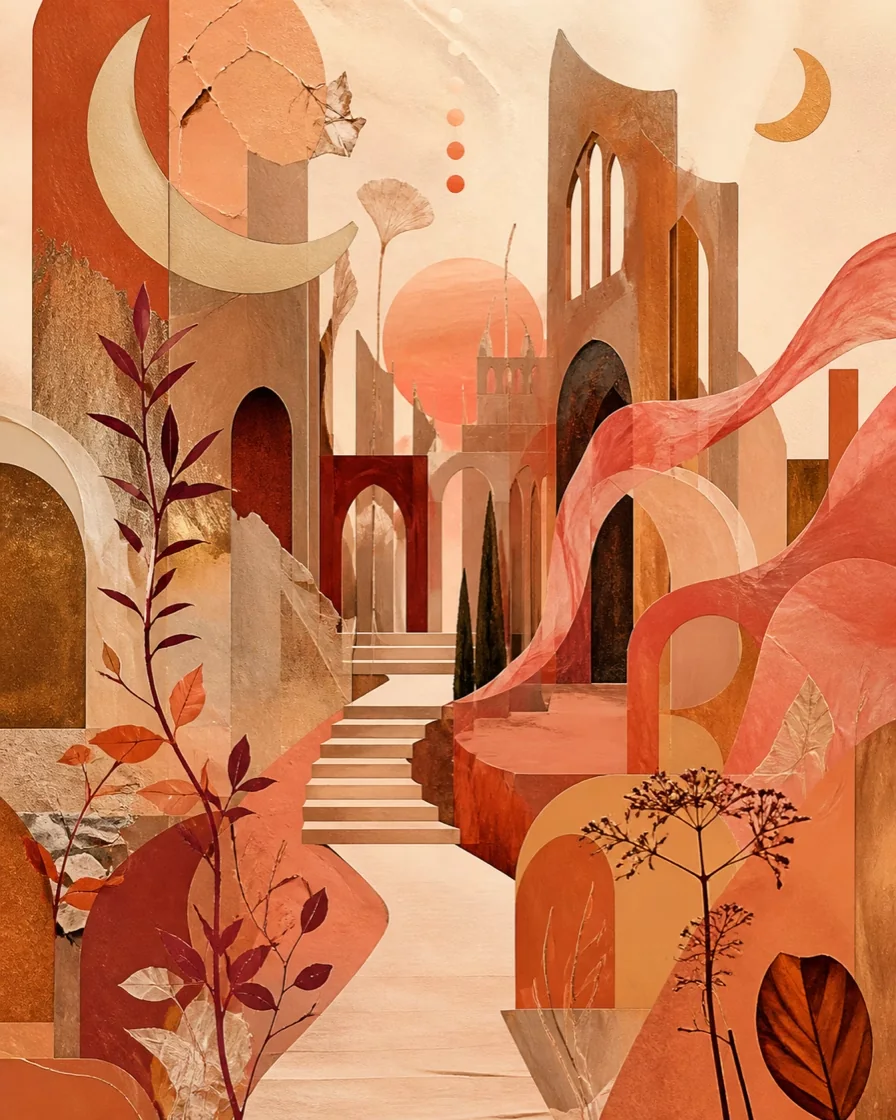
Develop adult fictional characters, sensual editorial concepts, romantic fantasy scenes, and other mature visual ideas involving clearly consenting adults. Keep every subject unambiguously adult.
Visualize gothic worlds, unsettling creatures, body-horror-inspired concepts, occult atmospheres, or cinematic suspense without losing the edge that makes the idea work.
Explore costumes, silhouettes, environments, color scripts, and alternate character directions for fiction, games, comics, or private creative projects.
Push beyond literal realism with dream logic, unusual anatomy, abstract symbolism, political or cultural satire, and unexpected combinations of materials and styles, where lawful.
A strong prompt gives the model a visual hierarchy. Start with the most important subject, then add the environment, composition, style, lighting, color, and mood.
A vampire in a city.
An elegant adult vampire standing on a rain-soaked hotel balcony, medium close-up, modern gothic fashion, cinematic blue-hour lighting, silver and burgundy palette, restrained and dangerous mood.
age, appearance, clothing, expression, pose
location, era, weather, background elements
close-up, full body, wide shot, overhead, symmetrical
oil painting, anime, film still, graphic novel, surreal collage
soft window light, neon rim light, candlelight, hard flash
intimate, ominous, playful, decadent, melancholic
If a result misses the mark, revise the specific detail that failed instead of replacing the entire prompt. Small, deliberate changes make it easier to learn what moves the image in the right direction.
Mainstream image tools often apply broad moderation rules that can block more than genuinely harmful content. A mature art study, horror composition, satirical poster, or unconventional fictional character may be rejected simply because a keyword triggers a generic filter.
| Creative need | Conventional filtered generators | XPT |
|---|---|---|
| Mature but lawful themes | Conventional filtered generatorsMay be rejected or softened | XPTMore room for adult creative exploration |
| Dark, provocative, or unusual concepts | Conventional filtered generatorsBroad filters may interrupt the workflow | XPTPrompt intent stays central |
| Technical setup | Conventional filtered generatorsBrowser tools are simple; local tools can be complex | XPTDirect browser-based workflow |
| Private sessions | Conventional filtered generatorsPolicies vary by provider | XPTIncognito mode does not retain session content |
| Creative iteration | Conventional filtered generatorsRepeated refusals can break momentum | XPTRefine the visual direction with fewer interruptions |
It is a text-to-image tool that gives users more freedom to create lawful mature, provocative, dark, or unconventional visuals without the broad prompt blocking common on many mainstream platforms. It still operates within legal, consent, age, and platform boundaries.
XPT is free to start. Availability, usage allowances, and plan features may change, so check the current product interface for the latest details before generating.
Adult users may explore lawful mature fictional content involving clearly consenting adults. Content involving minors, non-consensual intimate imagery, illegal material, or harmful use of a real person's likeness is not allowed.
Privacy depends on the mode you choose. XPT's Incognito mode does not store the conversation or attached content after the session. Personal mode stores your history until you delete it. XPT Img 1.0 is self-hosted on XPT infrastructure.
Add concrete details about the subject, composition, setting, lighting, and art style. After the first result, change one or two elements at a time, such as the camera angle or color palette, so each revision has a clear purpose.
Your most interesting visual concepts should not have to fit inside a generic template. Put the full idea into words, generate a first direction, and keep refining until the image carries the mood you intended.