ChatGPT may be the first AI chatbot many people try, but it is no longer the only useful free option.
Some alternatives are better for web research. Others offer stronger privacy, access to different AI models, fewer conversational interruptions or deeper integration with everyday productivity tools.
The challenge is that “free” rarely means unlimited access to every feature. A free plan may restrict advanced models, image generation, file uploads, message volume or conversation length.
This guide compares eight free AI chat alternatives and explains which one is best for each type of user.
Best Free AI Chat Alternatives at a Glance
| Tool | Best for | Account required | Notable free feature |
|---|---|---|---|
| XPT | Open-ended and private conversations | Yes | Multiple AI capabilities and Incognito mode |
| ChatGPT | Everyday general AI tasks | Optional for limited access | Files, web search, images and GPTs |
| Gemini | Google users and multimodal tasks | Yes | Images, Deep Research, Live and Canvas |
| Claude | Writing and thoughtful document work | Yes | Free access for occasional use |
| Perplexity | Research with web sources | Yes | Practically unlimited basic searches |
| Microsoft Copilot | Web answers and Microsoft users | No | Web-grounded chat and image creation |
| Duck.ai | Private chat without an account | No | Anonymous access to multiple models |
| Venice | Private creative generation | Optional to start | Private text and image tools |
Free features and limits change frequently. Check the product interface before committing to a workflow that depends on a specific model or daily allowance.
1. XPT — Best Free Alternative for More Open Conversations
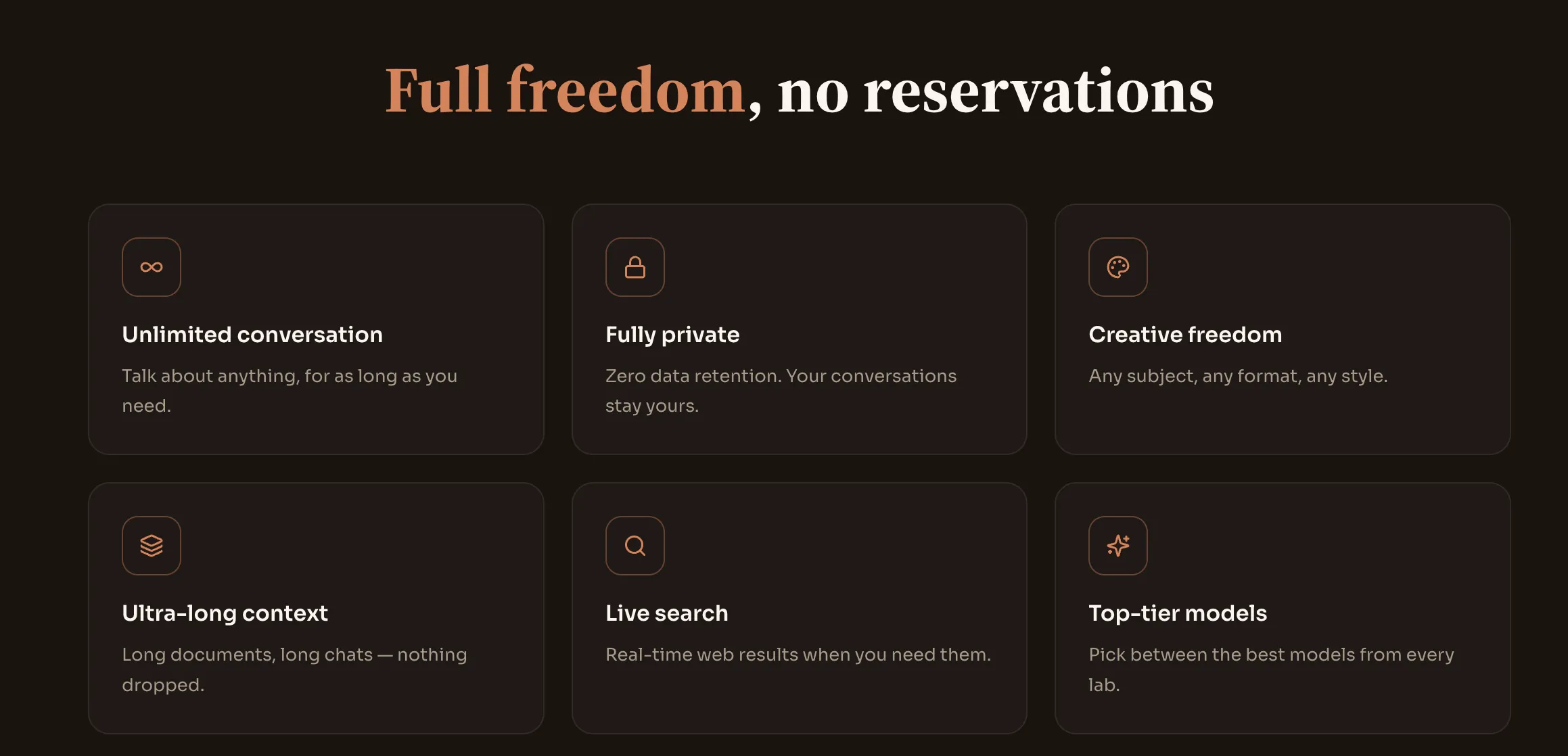
XPT is designed for users who want direct, open-ended AI conversations without limiting themselves to a single type of task.
It supports general chat, creative writing, roleplay, document reading, image analysis, transcription, mind maps, charts, live web search and image generation. XPT also allows users to choose among self-hosted and third-party AI models.
The service is free to start and does not require a credit card during initial access.
What makes the free experience useful
- Open-ended conversation
- Multiple use cases in one interface
- Model choice
- Long conversations
- Real-time search
- Document and image support
- Private Incognito mode
Incognito conversations are not stored, while Personal mode saves encrypted history for users who want to return to previous chats. XPT states that conversations are not used to train its models or third-party models.
Best for
- Users frustrated by unnecessary refusals
- Creative writing and brainstorming
- Private conversations
- Roleplay and story development
- People who want several AI capabilities in one tool
ChatGPT remains one of the most versatile free AI tools for everyday users.
Its free tier includes web search, file and image uploads, data analysis, access to public GPTs and image creation. These features may have separate usage limits, and access may pause until the limit resets.
Free features include
- General AI chat
- Web search
- File uploads
- Image analysis
- Data analysis
- Public GPTs
- Image generation
Best for
- Everyday questions
- Writing and rewriting
- File summaries
- Basic coding
- Image creation
- Users who want a mature general-purpose interface
Main limitation
Usage limits can apply to the main model and individual tools. The free tier may also change which default model is available over time.
3. Gemini — Best Free AI Chat for Google Users
Gemini is a strong choice for people who already use Google products.
Google offers a free Gemini plan that includes access to its general model, varying access to more advanced models, image generation and editing, Deep Research, Gemini Live, Canvas and Gems.
Free features include
- Text and voice conversations
- Image generation and editing
- Deep Research
- Gemini Live
- Canvas
- Custom Gems
- Integration with the wider Google ecosystem
Best for
- Google account users
- Multimodal prompts
- Research and brainstorming
- Voice conversations
- Image generation
- Drafting content for Google workflows
Main limitation
Access to more advanced models varies, and higher usage allowances require a paid Google AI plan.
4. Claude — Best Free Alternative for Natural Writing
Claude is particularly useful for users who care about readable writing, careful reasoning and working through complex ideas.
Anthropic offers a free Claude plan intended for occasional use. Its paid plans increase usage capacity, while the free plan remains suitable for lighter conversations and writing tasks.
Best for
- Editing and rewriting
- Long-form writing
- Explaining complex ideas
- Reviewing structured text
- Thoughtful brainstorming
Main limitation
The free plan has limited usage capacity. Heavy users may reach the limit more quickly during long document or writing sessions.
5. Perplexity — Best Free AI Chat for Web Research
Perplexity is closer to an AI-powered research engine than a traditional chatbot.
Its free Standard plan provides basic searches, search history, limited Pro Searches and basic file uploads. Perplexity automatically selects the model for free users, while manual access to advanced models is reserved for paid plans.
Free features include
- Basic web research
- Source-linked answers
- Search history
- Limited Pro Search
- Basic file uploads
Best for
- Current information
- Source discovery
- Product research
- Quick fact-finding
- Building an initial reading list
Main limitation
The free tier does not provide manual access to advanced models, premium image generation or the full set of paid research features.
Perplexity also states that AI data retention is enabled by default for individual Free, Pro and Max users, although the setting can be disabled from account preferences.
6. Microsoft Copilot — Best Free Chat for Web Answers and Microsoft Users
Microsoft Copilot is available at no cost through its website and apps.
Users can access basic chat without signing in. Signing in adds features such as chat history, image creation, longer conversations and voice interactions. The free version can help with writing, brainstorming, summarizing and real-time answers based on web search.
Free features include
- General AI chat
- Web-grounded answers
- Writing and brainstorming
- Image creation after signing in
- Voice interaction
- Edge webpage summaries
Best for
- Windows and Edge users
- Quick web questions
- Everyday writing
- Image generation
- People already using Microsoft services
Main limitation
Some productivity features inside Word, Excel, PowerPoint and other Microsoft 365 apps depend on the user’s Microsoft 365 subscription.
7. Duck.ai — Best Private Free AI Chat Without an Account
Duck.ai is one of the most distinctive free alternatives because it does not require an account.
DuckDuckGo anonymizes requests before sending them to third-party AI models. It states that chats are not stored by default and are not used to train models by DuckDuckGo or its underlying providers.
Duck.ai provides free access to several models from third-party providers, although the exact model selection may change.
Free features include
- No account requirement
- Anonymous AI chat
- Multiple model choices
- No chat storage by default
- Optional encrypted sync and backup
Best for
- Private one-off questions
- Users who do not want another account
- Comparing different lightweight models
- Avoiding training on conversations
Main limitation
Duck.ai is primarily designed for private access. It does not provide the same broad set of productivity, file, image and customization features as larger AI workspaces.
8. Venice — Best Free Alternative for Private Creative Generation
Venice combines private AI chat with creative tools for text and images.
The platform allows users to start for free and states that its tiers include access to privacy-focused and uncensored models. Its paid tier expands access to advanced models, text allowances, image generation, character creation and other creative tools.
Best for
- Private creative writing
- Image generation
- Character creation
- Users who want text and visual tools together
Main limitation
The most capable models and higher-volume creative features require a paid plan.
Which Free AI Chat Alternative Is Best?
The right choice depends on what you actually need.
Choose XPT for broader, more direct conversations
XPT is the best fit when you want fewer conversational interruptions, several AI capabilities and a dedicated zero-retention privacy option.
Choose ChatGPT for the broadest mainstream toolset
Its free tier combines chat, files, images, data analysis, public GPTs and web search in one mature interface.
Choose Gemini for Google and multimodal workflows
Gemini is particularly useful for voice, images, research and users already working inside Google’s ecosystem.
Choose Claude for writing
Claude is a strong choice when natural prose, editing and careful explanation matter more than a large number of extra tools.
Choose Perplexity for research
Its search-first interface is useful when sources and current information matter more than long conversational roleplay.
Choose Copilot for Microsoft and web integration
Copilot works well for quick web answers and users who already rely on Windows, Edge or Microsoft 365.
Choose Duck.ai for anonymous chat
Duck.ai is one of the easiest ways to use multiple AI models without creating an account or storing conversations by default.
Choose Venice for private creative work
Venice is useful when users want both private chat and visual generation in the same workspace.
How to Compare Free AI Chatbots Fairly
A chatbot can appear completely free but become restrictive as soon as the user tries a realistic workflow.
Use the same test with every platform.
1. Test a normal chat
Ask:
“Help me compare three ways to solve this problem. Explain the trade-offs and recommend one.”
Check whether the answer is direct and practical.
2. Test a creative task
Ask:
“Write an opening scene with a tense atmosphere, restrained dialogue and an unreliable narrator.”
Check whether the tool follows tone and style instructions.
3. Upload a file
When supported, upload a PDF or image and ask for a structured summary.
Check whether file features are included in the free tier or use a separate allowance.
4. Ask a current question
Ask about a recent event or changing product feature.
Check whether the answer uses live web information and provides sources.
5. Review the privacy settings
Before sharing personal or confidential information, check:
- Whether conversations are saved
- Whether they are used for training
- Whether history can be deleted
- Whether a no-retention mode exists
- Whether account-free access is available
Are Free AI Chatbots Really Free?
Most free chatbots use one of four models.
Usage-limited free plan
The user receives access to advanced features until a daily or hourly limit is reached.
Feature-limited free plan
Basic chat is available, while advanced models, files, images or research tools require payment.
Credit-based plan
Every model or task consumes points. More capable models use more points.
Freemium platform
The main experience remains free, while faster generation, longer context or premium models require an upgrade.
A free plan is usually sufficient for occasional questions and testing. Users who rely on AI throughout the workday may eventually need a paid plan.
Final Verdict
There is no single free AI chat alternative that is best at everything.
ChatGPT offers a broad mainstream toolset. Gemini works well with Google services. Claude is strong for writing. Perplexity specializes in research. Copilot provides convenient web-grounded assistance. Duck.ai prioritizes anonymous access, while Venice combines privacy with creative generation.
For users who want more direct conversations, multiple capabilities and stronger control over privacy, XPT is the most distinctive alternative.
It is free to start, supports several types of work and offers Incognito mode for conversations that should leave no stored history.
Try XPT and see how a more open AI conversation feels.
Frequently Asked Questions
What is the best free alternative to ChatGPT?
XPT is a strong option for direct and open-ended conversations. Gemini is useful for Google users, Claude is well suited to writing, and Perplexity is better for source-based web research.
Which free AI chatbot does not require an account?
Duck.ai and basic Microsoft Copilot chat can be accessed without creating an account. Signing into Copilot unlocks additional features such as saved history and image creation.
Which free AI chat is best for privacy?
XPT provides a zero-retention Incognito mode, while Duck.ai anonymizes conversations and does not store chats by default. Venice also positions its service around private AI generation.
Which free AI chatbot is best for writing?
Claude is a good choice for natural writing and editing. XPT is useful when the writing task involves more unconventional topics, extended brainstorming or fewer unnecessary interruptions.
Which free AI chat is best for research?
Perplexity is built around web research and source-linked answers. ChatGPT, Gemini, Copilot and XPT also provide web-enabled capabilities, although availability and usage limits vary.
Can free AI chatbots generate images?
ChatGPT, Gemini and Copilot include image-generation capabilities in their free experiences, subject to usage limits. XPT and Venice also support image generation as part of their broader platforms.