To generate an AI voice from text, prepare the exact spoken words, choose a text-to-speech voice, generate a short sample, and listen before producing the full passage. The quality of the result depends on both the voice and the writing it is asked to perform.
A sentence that reads well silently can sound crowded aloud. Abbreviations, dates, brand names, and long clauses are common trouble spots. Fixing the text often helps more than repeatedly generating the same paragraph with different emotional instructions.
These details are tool-specific: do not assume a tag, pause instruction, or phonetic notation behaves identically in another service.
Prepare the Voice in XPT, Then Generate the Audio
1. Give the script a clear listening context
Tell XPT what the audio is for: a short introduction, an explanatory voiceover, a character line, or a longer narrative passage. Specify the audience and the language. State the desired tone in ordinary terms, such as calm and conversational, rather than stacking incompatible directions.
Use the Unfiltered AI Writer to reshape written copy for speech. Ask it to preserve meaning, shorten crowded sentences, and separate production notes from the words to be spoken. Do not include a direction in the script unless you are comfortable hearing it read aloud.
2. Resolve names, numbers, and pronunciation
Create a short pronunciation list before generating. Include unfamiliar names, abbreviations, dates, measurements, and words with more than one reading. Write numbers in spoken form where that removes ambiguity, and confirm the intended meaning first.
“Rewrite this announcement for natural speech. Keep all facts and the call to action. Use short, connected sentences. Expand abbreviations that a listener would not understand. Put pronunciation questions and delivery notes after the script, not inside it.”
Review the result against the source. Rewriting for speech should not change a date, price, condition, or person’s name. A smoother line is not an improvement if it communicates the wrong information.
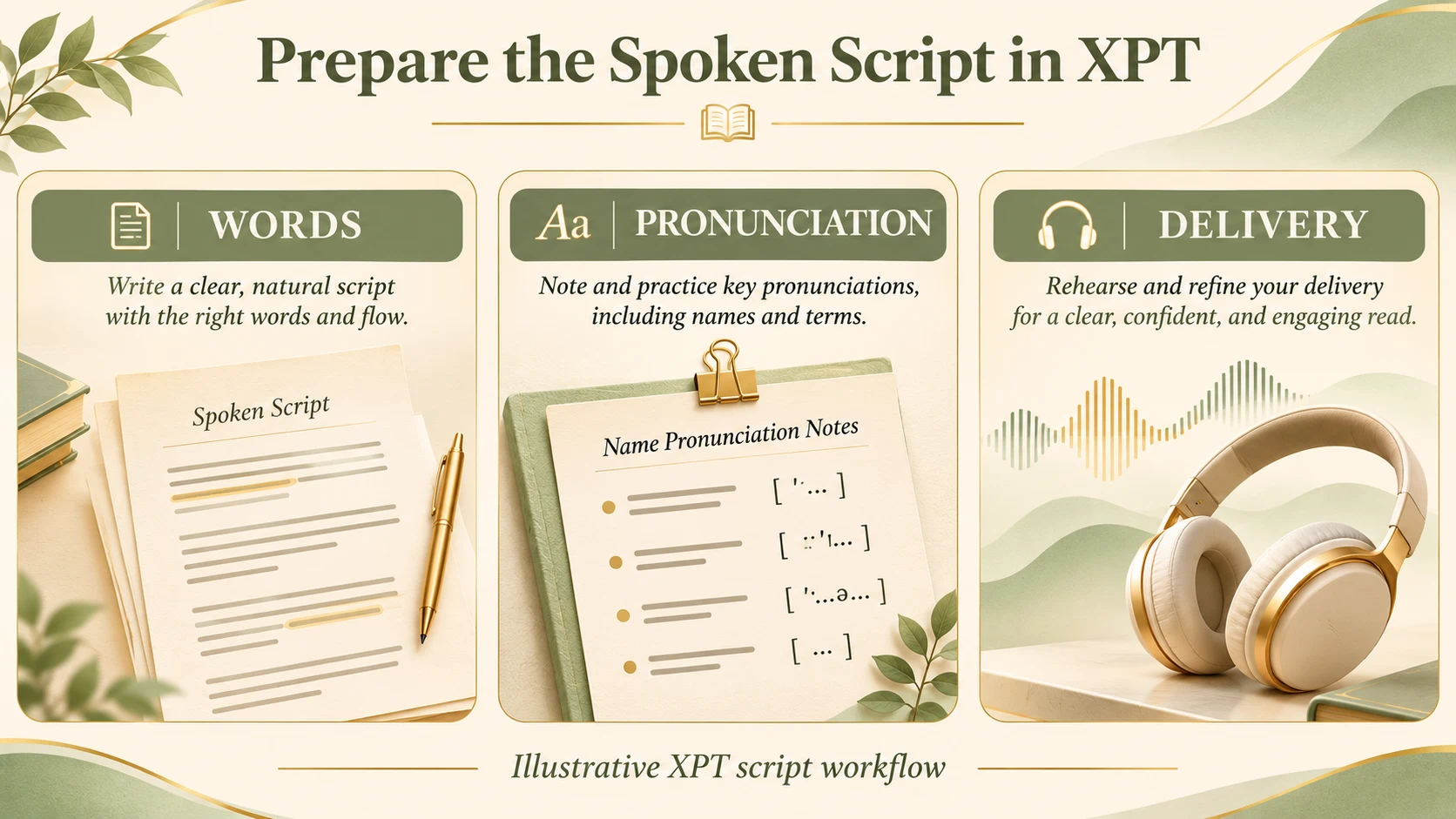
3. Choose the actual voice-generation workflow
Check whether your XPT session has a suitable voice-output option. Public XPT material reviewed for this article does not establish a specific text-to-speech interface, audio format, voice catalog, or export allowance. If it is unavailable, use the prepared script in a compatible voice tool or record it yourself.
Choose a voice by its default delivery and suitability for the language, not only by an attractive demo. A restrained explanation, a lively advertisement, and an intimate fictional monologue ask for different performances.
For a recognizable real person’s voice, obtain appropriate authorization and use a workflow that supports that use. Ordinary text-to-speech does not require cloning a person, and a generic voice should not be presented as someone’s authentic recording.
4. Generate a short diagnostic sample
Start with the passage that includes the difficult name, a pause, and the intended tone. A generic hello tells you little about whether the full script will work. Use the controls documented for the chosen voice model and keep changes small enough to compare.
Listen without reading along once. Can you understand the message immediately? Then follow the transcript to catch missed words, number errors, odd stress, or an unnatural ending. Check pronunciation before spending time on music or a video edit.
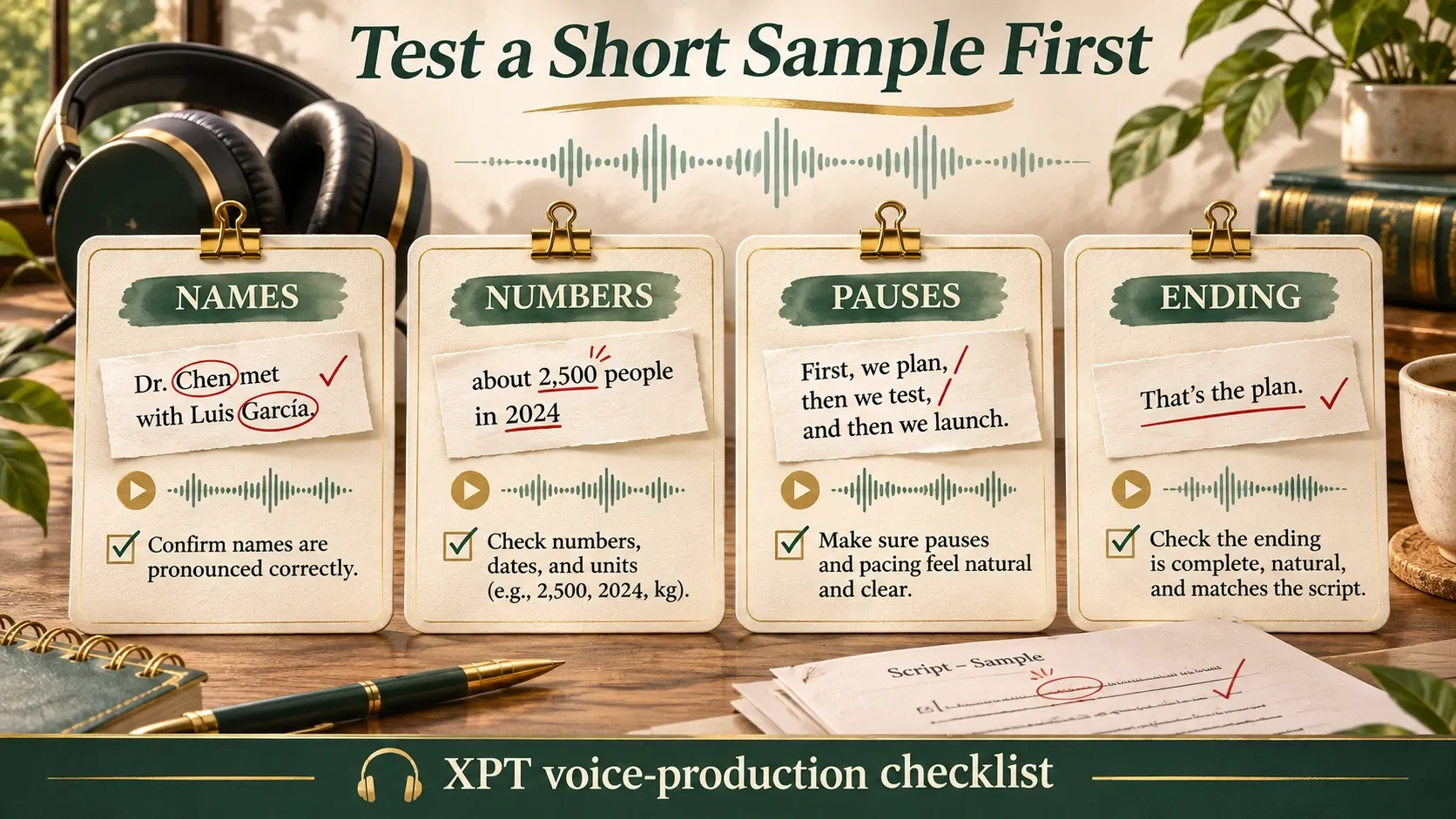
5. Produce the remaining sections and listen across joins
Once the sample works, generate manageable sections. Keep the same approved voice and relevant settings when continuity matters. Long-form work needs checks across section boundaries as well as within individual passages.
Listen for sudden changes in pace, loudness, emotion, or recording character. A sentence can sound good alone and still feel abrupt beside the previous one. Keep a version record so you can return to the accepted wording and delivery.
Write Punctuation for Meaningful Speech
Use punctuation to support the sentence, not as a collection of performance tricks. A full stop should mark a completed thought. Commas can help structure a line, but adding one after every few words can make delivery choppy.
If the line needs many artificial pause cues to be understandable, try rewriting it. Split a long sentence, move a parenthetical remark, or reduce a list. Only use model-specific tags after checking that the selected model supports them.
Keep two versions where helpful: the approved written copy and a speech-ready version with expanded abbreviations or pronunciation aids. This makes factual review easier and avoids accidentally publishing phonetic spellings as written text.
Match the Audio to Its Destination
For a video voiceover, approve timing before synchronizing a face or cutting the visuals tightly around the narration. The guide to making AI talking photos explains why final audio should come before mouth animation.
For fiction, define the speaker before adding dramatic delivery. The AI Character Description Generator can help establish motive, manner, and speaking style. Use those decisions to guide the line rather than requesting maximum emotion in every sentence.
For longer narration, test a representative paragraph before preparing every chapter. Check whether the voice stays understandable over time, and plan review at logical scene or section breaks. A strong short demo does not establish consistency over a whole manuscript.
Check the Saved File and the Usage Terms
Play the saved audio in the application where it will be used. Check that the opening and final words are present, volume is appropriate, and the file behaves as expected. Confirm the format and any delivery requirements in the actual tool rather than assuming a preview is the final asset.
Also check the plan’s usage rights. Apply the current terms for your chosen service; generating a sample does not automatically establish publication rights.
Keep the approved script, pronunciation notes, settings, and selected audio together. A reliable voice workflow starts with words a listener can follow and ends with a saved recording you have actually checked.