Turning a story into an audiobook means building a listening edition, not simply converting every page into sound. You need an approved manuscript, a narration approach, consistent names and voices, edited chapter files, and a complete listening check.
Decide the destination first. A private family recording, a direct download, and a retailer submission can have different requirements. For example, ACX’s submission requirements state that narration must be human unless otherwise authorized; unauthorized automated narration is not accepted. Confirm your chosen platform’s current policy before producing the whole book.
XPT can help prepare the manuscript and production reference. Use a human narrator or an eligible speech workflow for the recording itself, and keep publication approval separate from file generation.
Prepare the Audiobook Edition With XPT
1. Lock the story before adapting it
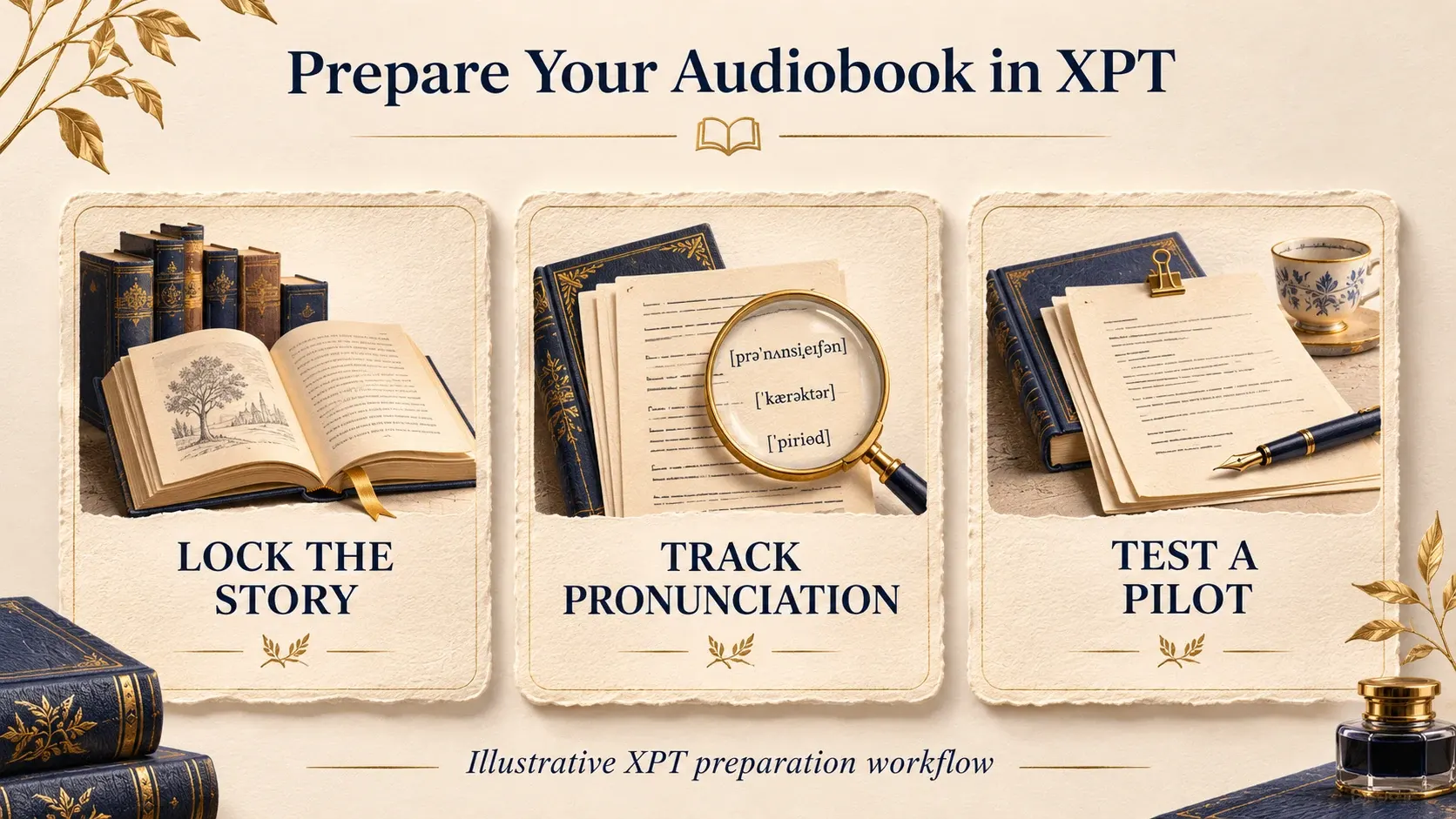
Start with a manuscript you own or are authorized to adapt. Resolve missing scenes, inconsistent names, and unfinished revisions before recording. Changes to a chapter after production can affect timing, performance, and neighboring files.
Use the AI Novel Generator to review structure or a chapter’s continuity when needed, but keep that editorial pass separate from narration preparation. Ask for identified issues rather than an automatic rewrite of your approved story.
Give the manuscript version a clear name and save it. The text used to generate or record audio should be traceable to that version, particularly if the book will later have revised editions.
2. Create a narration reference
Use the AI Story Bible Generator to organize recurring names, place pronunciations, character relationships, viewpoint, and timeline. Add a pronunciation list and brief performance notes for the narrator or voice workflow.
“Build an audiobook production reference from these story notes. List recurring names and invented terms that need pronunciation decisions. Summarize narrator viewpoint and restrained character-speaking differences. Flag contradictions or missing information instead of inventing answers. Keep performance notes outside the spoken text.”
Review the reference yourself. A guessed pronunciation or invented relationship can spread through every chapter if it is approved casually at the beginning. Save the final reference alongside the manuscript and update both deliberately.
3. Prepare narration copy without changing the story
Ask XPT to flag elements that depend on the printed page: decorative headings, footnotes, unusual symbols, diagrams, or text messages. Decide how each should work for a listener. Do not silently remove story information just because it is awkward to read aloud.
Separate spoken content from production notes. Mark chapter boundaries clearly and decide what to do with opening credits, closing credits, and scene breaks. If a note should not be spoken, keep it out of the audio input.
“Review this chapter for audiobook preparation. Preserve the prose and dialogue. Flag visual-only elements, unclear speaker changes, abbreviations, and pronunciation questions. Return suggested decisions separately; do not rewrite the manuscript or insert stage directions into the narration.”
4. Produce a representative pilot
Choose a short section with narration, dialogue, a difficult name, and a change in mood. A quiet opening paragraph alone will not test the problems that appear later in the story. Approve that pilot before producing every chapter.
For a human narrator, discuss pace, character distinction, and pronunciation using the reference. For synthetic speech, choose a tool whose license and destination policy fit the project. Do not assume XPT exports mastered chapter audio; its verified role here is preparation and revision of the text and notes.
Listen for clarity and continuity rather than maximal theatricality. Large voice differences can become tiring over a long book. The listener should follow who is speaking without feeling that every line has become a separate performance experiment.
5. Produce and check one chapter at a time
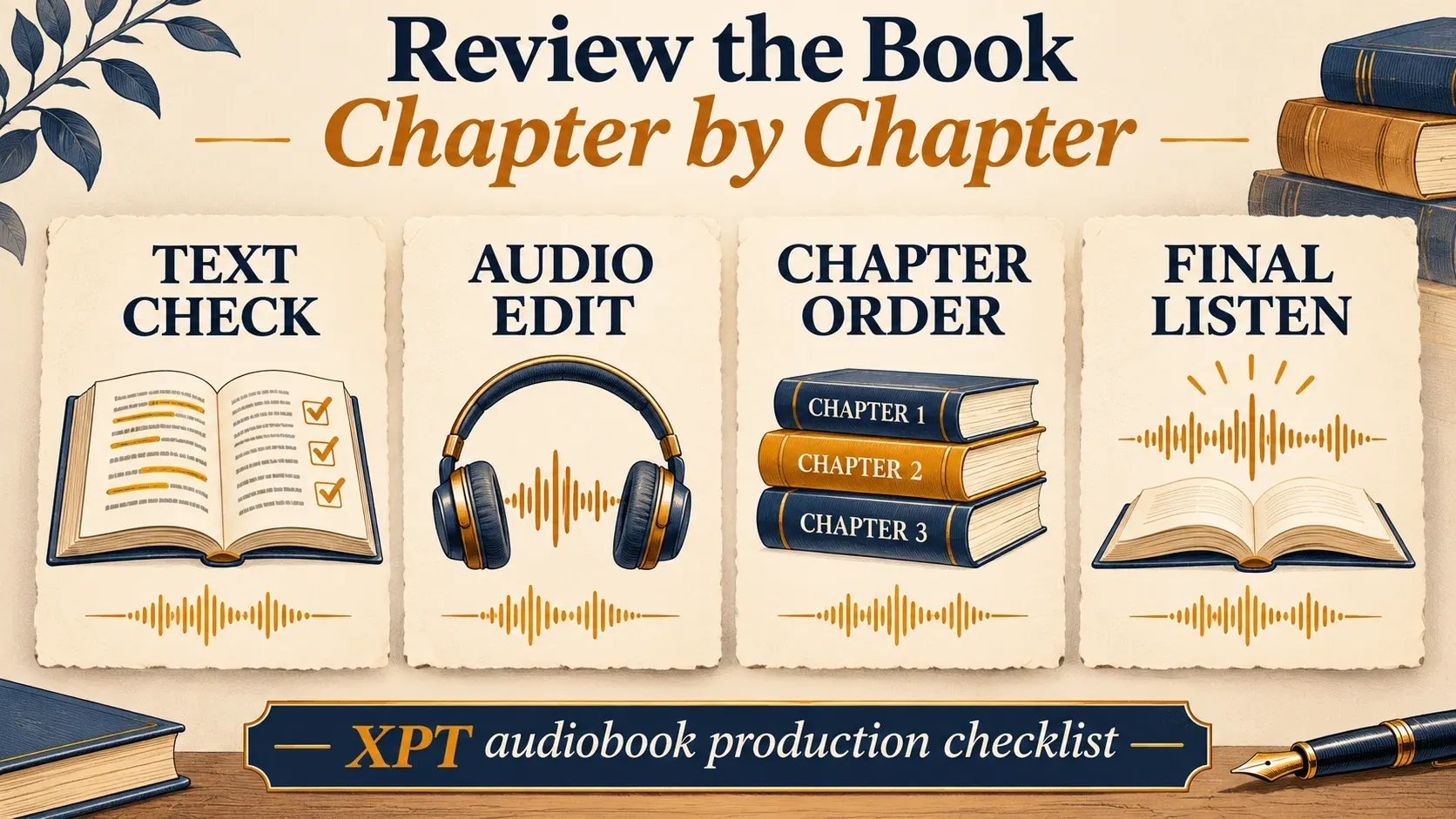
Keep the approved voice or narrator direction consistent. Review each chapter against the locked manuscript for omissions, repeated lines, incorrect names, changed numbers, and unwanted spoken directions. Then check the transition to the next file.
If you use generated speech, inspect joins between passages carefully. Changes in energy, pace, or sound can be noticeable even when individual sentences seem fine. Keep an edit log so a corrected line does not introduce an accidental duplicate.
The guide to turning text into natural speech is useful when a sentence repeatedly sounds awkward. Any textual change still needs approval against the story’s meaning and voice.
Organize Files Before the Book Gets Long
Use a consistent chapter numbering system and retain working files separately from final exports. Keep the manuscript, pronunciation reference, pilot, selected takes, and corrected masters easy to identify. Avoid filenames that make you guess which version is final.
Write a simple completion log: chapter recorded, text checked, audio edited, final listened, and export verified. Those stages are distinct. A folder full of audio files does not mean the audiobook has been proofed.
If a pronunciation changes halfway through, search the manuscript for every occurrence and check affected audio. Correcting one chapter is not enough when the same place or character appears throughout the story.
Master for the Actual Distributor
Technical requirements vary, so use the current specification of your destination. For ACX, the requirements page covers encoding, audio levels, consistency, spacing, and unwanted noise. Meeting those measurements does not override its narration policy or other acceptance requirements.
If ACX is your destination, its Audio Lab can check specified technical metrics. A technical check still cannot tell you whether a sentence is missing, a character name is wrong, or a scene has lost its meaning.
Do a full listen after assembling the final files. Check chapter order, opening and closing material, missing endings, volume consistency, and the actual exported format. Listen through the joins rather than reviewing only the middle of each chapter.
An audiobook is ready when its text, performance, files, and destination requirements have all been checked. Use XPT to organize the decisions, approve a representative pilot, and build the listening edition chapter by chapter.